KitchenAid KCGS550E Cooktop Troubleshooting
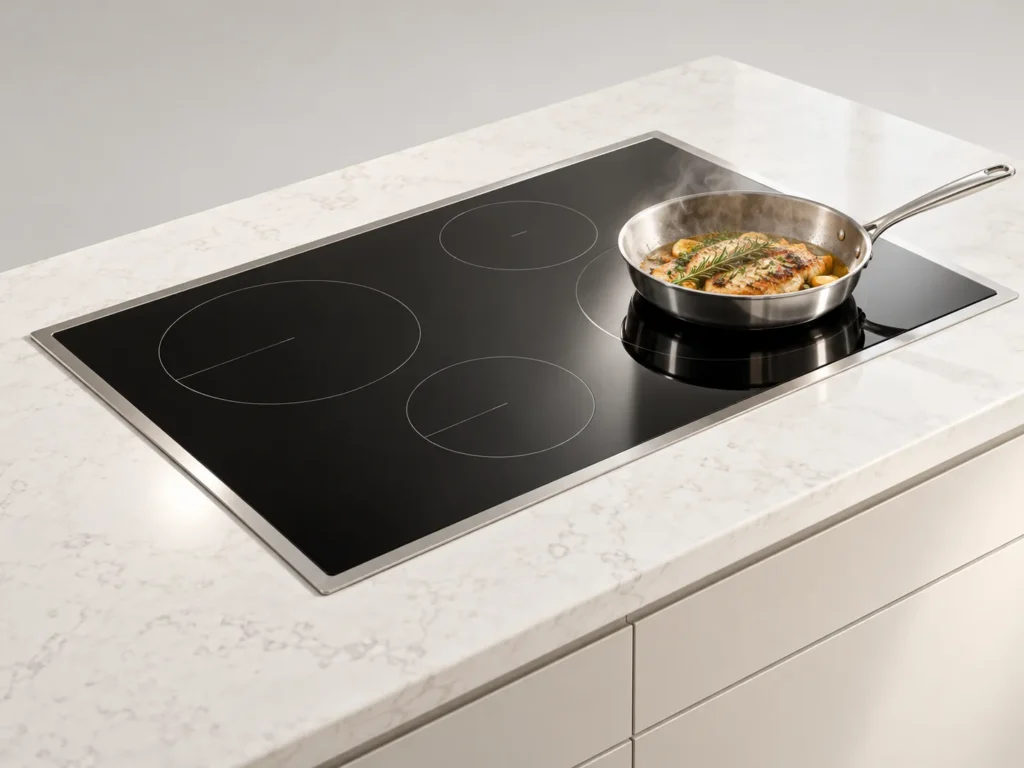
A touch panel on the KCGS550E that ignores your finger is usually reacting to something simple: a film of grease, water on the panel, or a loose ribbon connection behind it. We clean the surface, power the cooktop down for a full reset, and then test the panel and its connector if the problem returns. Cooktops labeled KCGS550ESS follow the same routine.
Burners cause the other common calls. A steady clicking after the flame is lit means the igniter is damp or dirty, and a yellow flame means the ports need cleaning. If you smell gas, leave the house and call the gas utility from outside before doing anything else.
We lift out the burner caps, check how each one seats, and test the ignition on every burner. The price is written before work starts, with a 30-day warranty.
Wipe the panel dry with a clean cloth, switch the breaker off for a minute, then restore power. If the panel still ignores touches, we test the connection behind it and the control board.
The igniter is probably wet or carries food residue, so the spark module keeps trying. Dry the area and clean the igniter tip. When clicking persists, we test the igniter and the module.
Yes. Each cap has to sit flat on its base, because it shapes the flame. Lift it, clear the ports, and reseat it. If the flame stays yellow, we clean the ports properly.
Book in about a minute, or call the desk. Same-day windows inside the Loop on most days, next-day across the rest of Houston.
